Striped border
Striped border drawing program with arbitrary colors (eg. stripes of a national flag or the rainbow), width and margin.
latest release: 2024-03-20 15:19:29
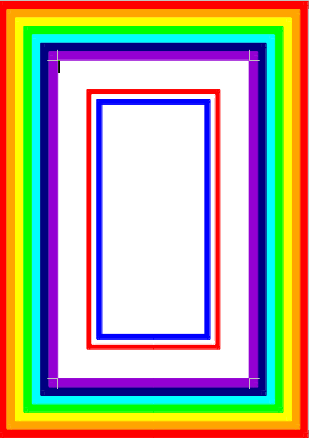
Description
Usage in LibreOffice 4.0:
1. Open the template stripedborder.odt.
2. Set the requested page size.
3. Click on the Start icon of the (View » Toolbars ») Logo toolbar, and follow its instructions specifying the margin, border width, and list of the colors.
4. Remove the text of the program or copy the striped border into your document.
For borders of multiple pages, insert the result into the master page in Draw or Impress, or into the header or the footer of your Writer document. If you don’t want to modify all page styles of a complex text document, you can add this border to a PDF document with different PDF tools, eg. pdftk. (see detailed instructions in http://templates.libreoffice.org/template-center/crop-mark)
☆ ☆ ☆ ☆ ☆
Post your review
You cannot post reviews until you have logged in. Login Here.
Reviews
No one has commented on this page yet.
RSS feed for reviews on this page | RSS feed for all reviews