Chessboard
Typesetting chessboard manually or by notation in LibreOffice 4 using standard Unicode chess figures
latest release: 2024-03-21 13:09:07
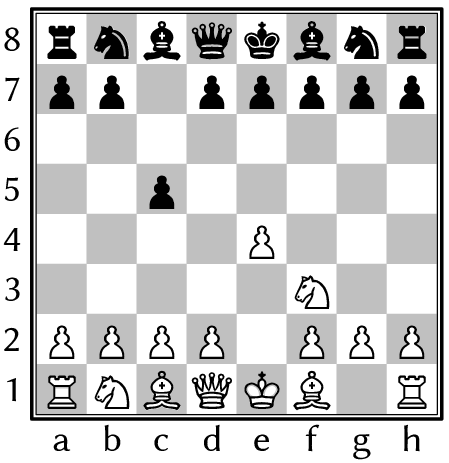
Description
Open the template document. Click on the Start icon of the (View » Toolbars ») Logo toolbar to start the chess drawing program. Install FreeSerif font for better Unicode chess figures (without FreeSerif, LibreOffice will use the first available font with standard Unicode chess characters), or change the fontname in the command FONTFAMILY “FreeSerif” (see 2nd page of the document). Export the document as PDF in Writer (or convert the picture to curve in Draw) to avoid font dependency. Group the result of the manual positioning: set the drawing cursor mode (eg. select a figure), and drag a selection frame around the chessboard, and click on the Group icon.
See also the template Chessboard 2, a chess drawing program based on a special chess font (with non-Unicode characters, but more traditional chessboard typography).
☆ ☆ ☆ ☆ ☆
Post your review
You cannot post reviews until you have logged in. Login Here.
Reviews
No one has commented on this page yet.
RSS feed for reviews on this page | RSS feed for all reviews